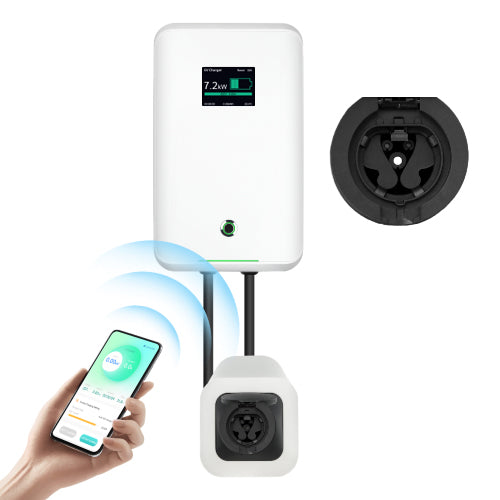
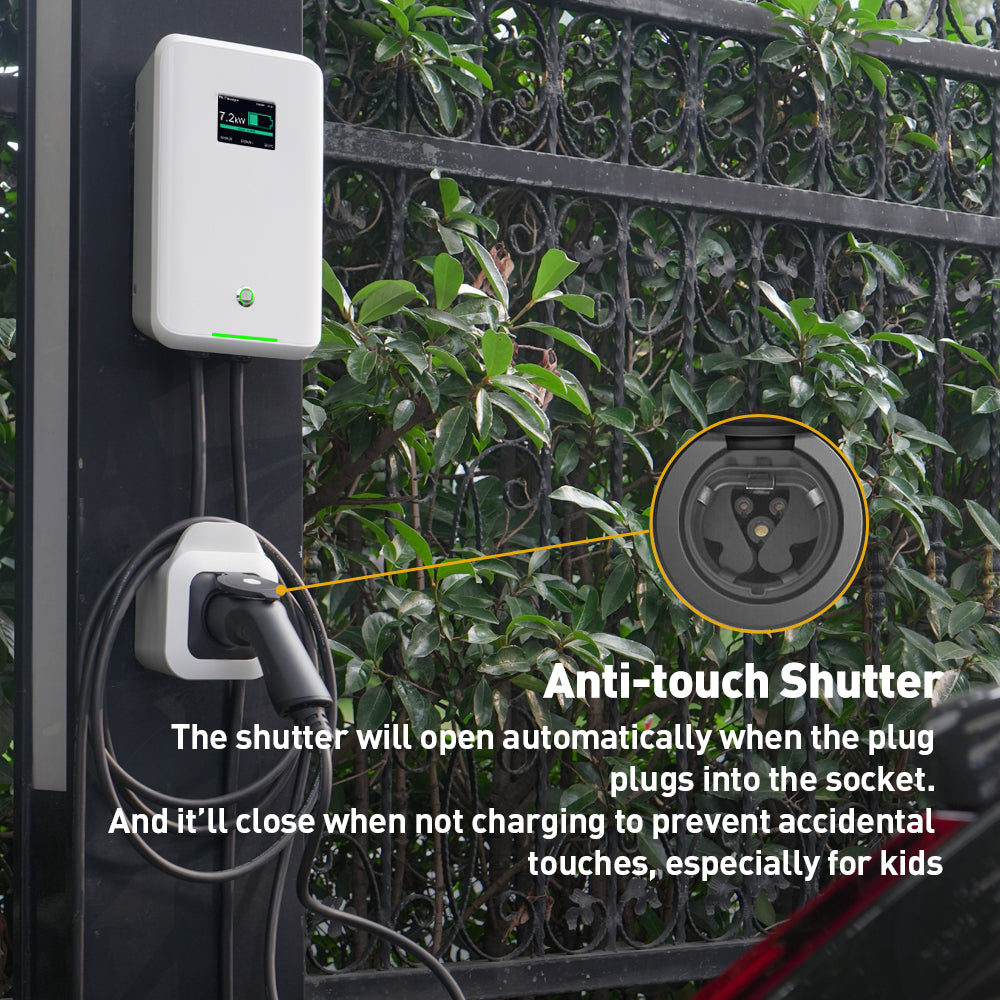
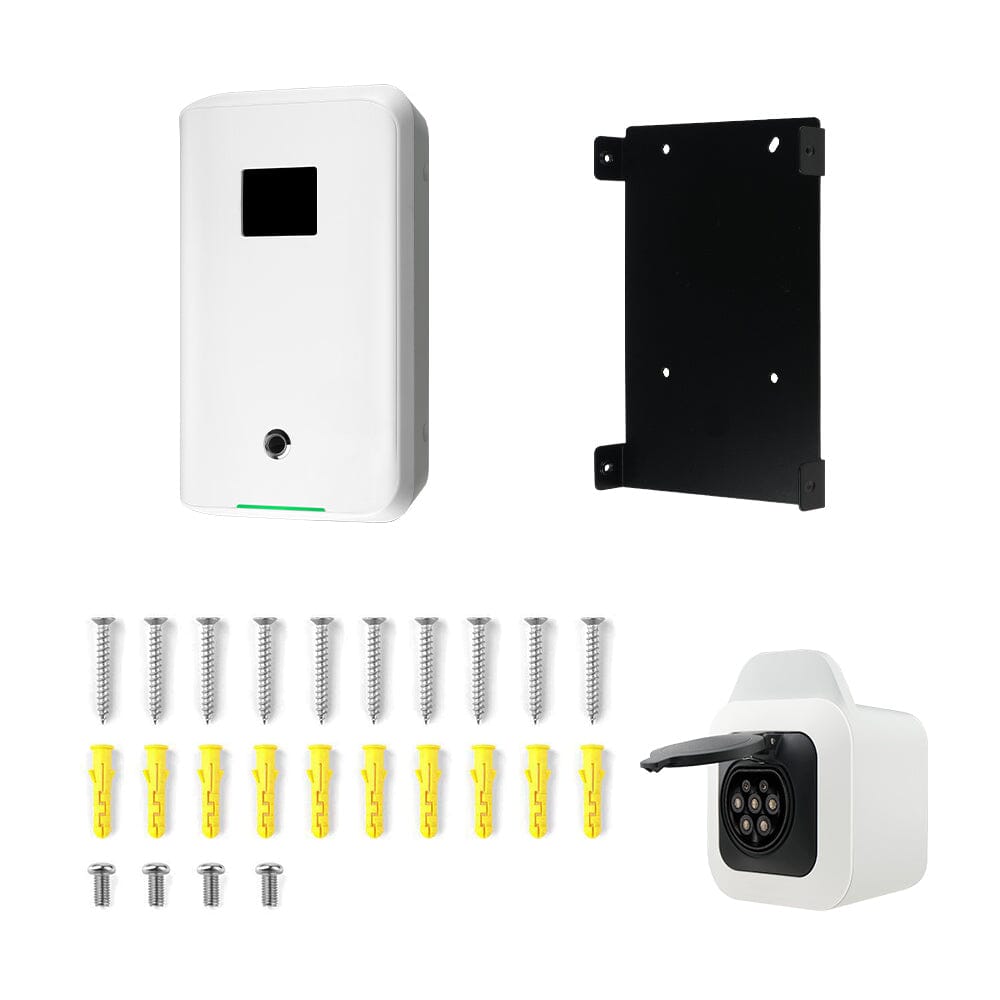
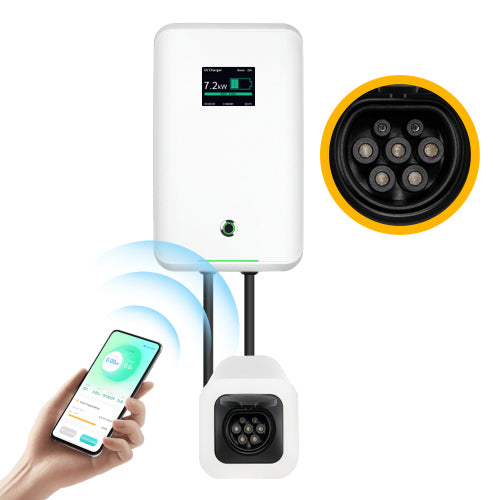
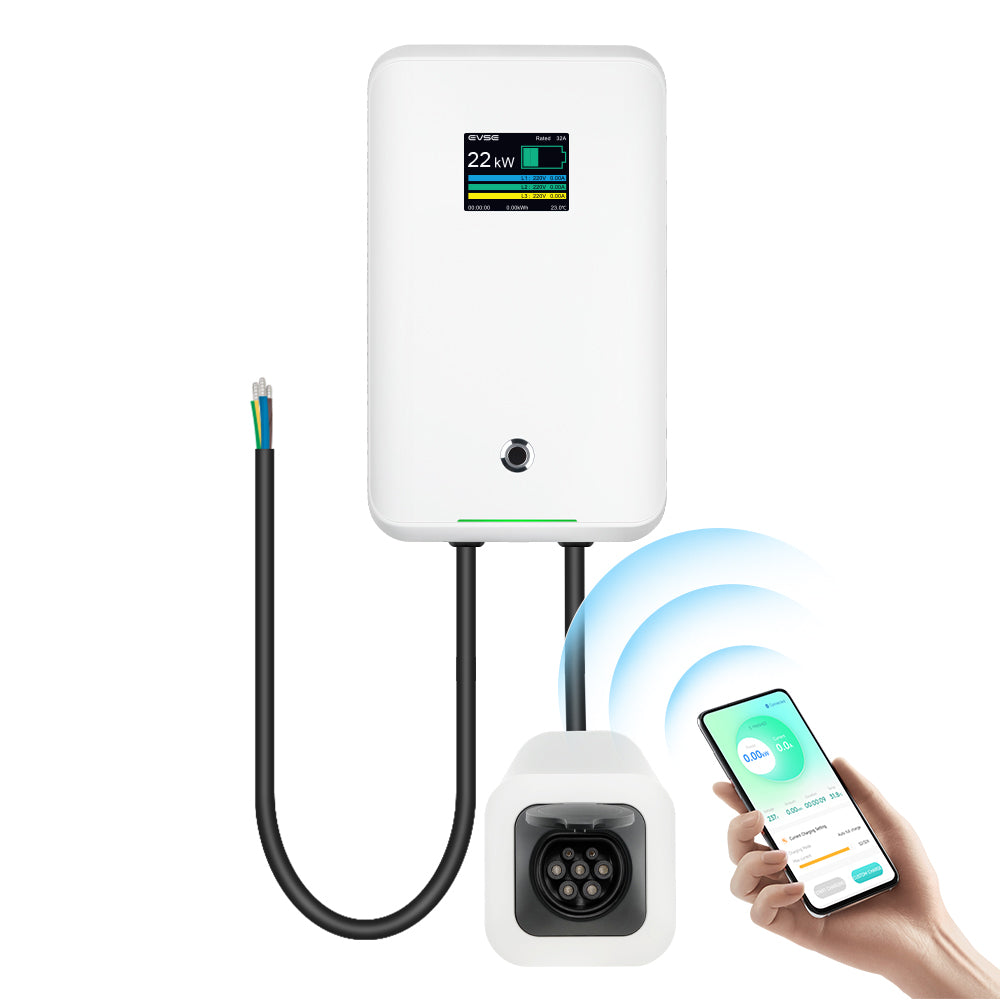
Carregador Wallbox controlado por APP MOREC 7KW com soquete tipo 2 com obturador ANTI-TOUCH - MC20AAPP
Características do produto:
- Ajuste a corrente de carregamento de 6A para 32A.
- Tempo &e atraso no carregamento
- Registro &e exportar dados de carregamento
- Outras funções...
Visor LCD
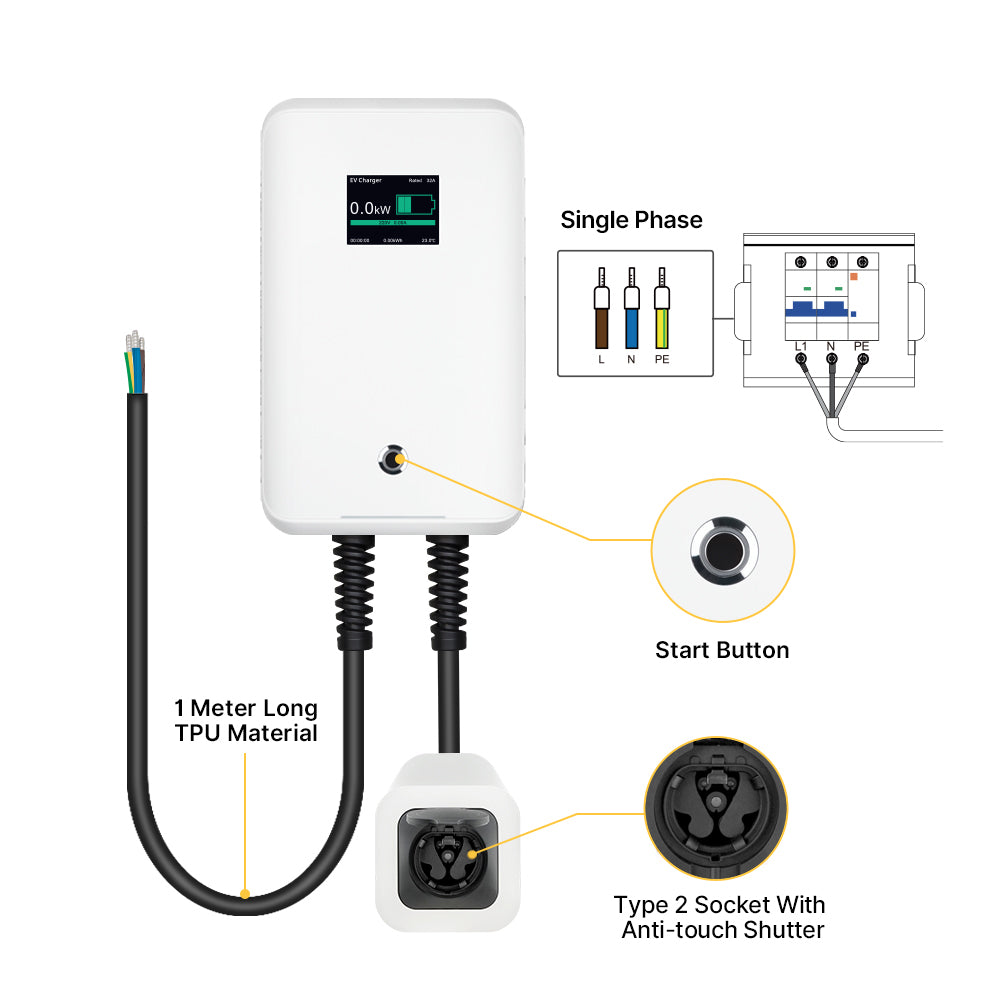
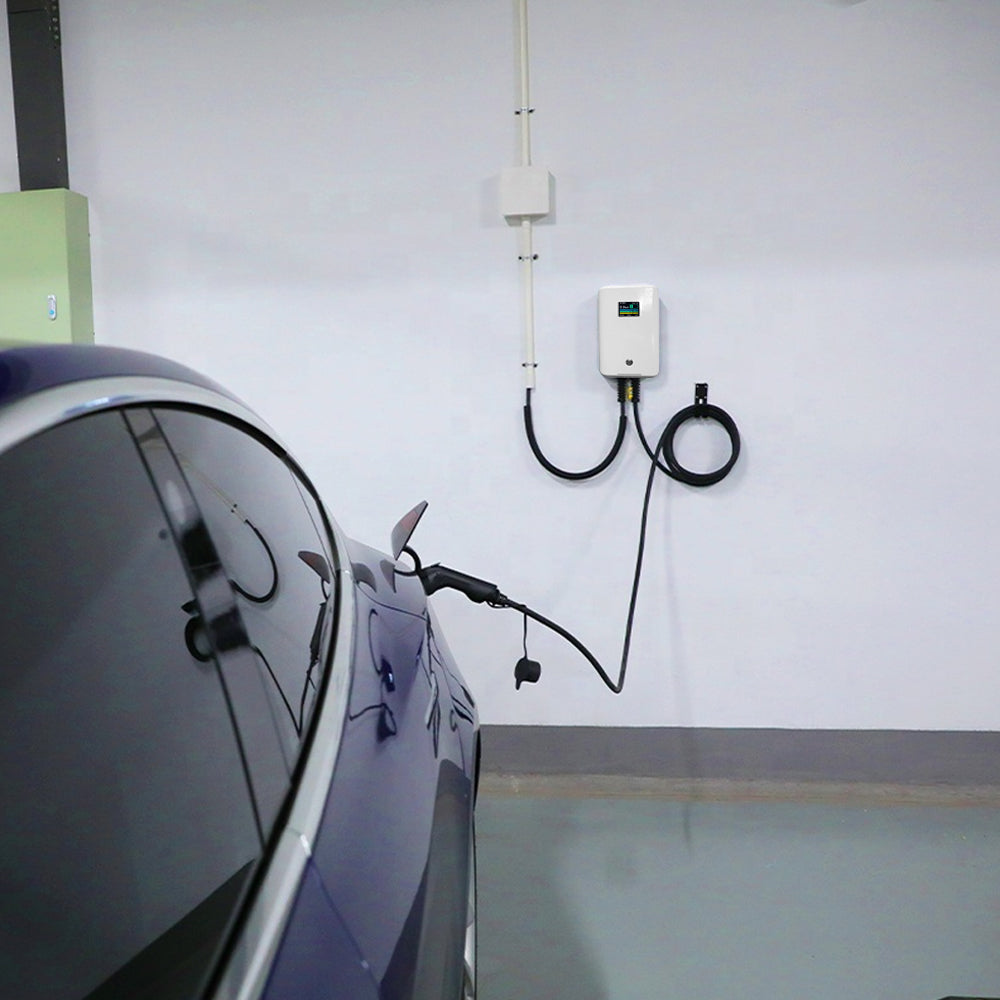
Projetada com um visor LCD, esta estação de carregamento para veículos elétricos exibirá todos os dados do seu carro durante o carregamento. Você poderá visualizar informações como corrente, voltagem e temperatura.
Alta compatibilidade
Este carregador de parede para veículos elétricos é compatível com a maioria dos veículos elétricos que atendem ao padrão IEC 62196-2. Além disso, você precisa adquirir separadamente um cabo de carregamento Tipo 1 para Tipo 2/Tipo 2 para Tipo 2.
Pequeno e prático
Este dispositivo de carregamento de parede pode ser fixado na parede, o que não ocupa espaço e é conveniente para carregar dispositivos.
Mais proteção
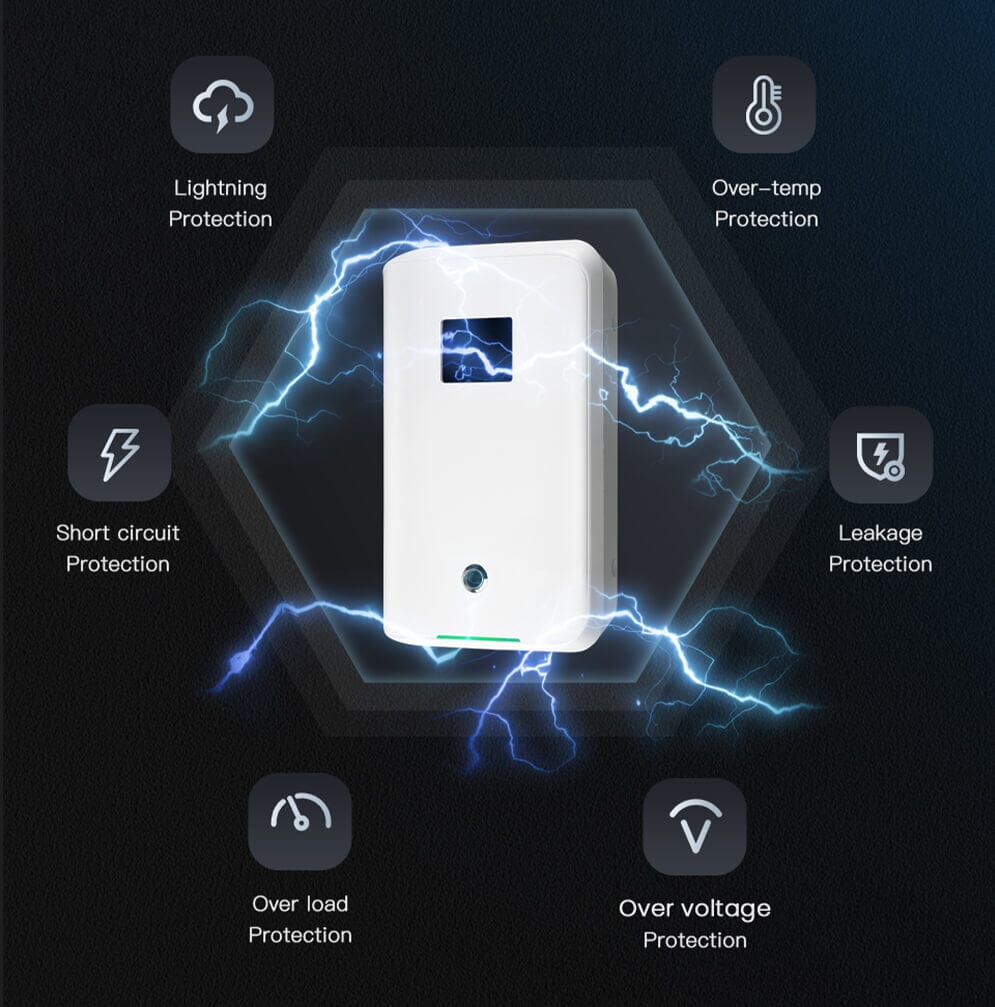
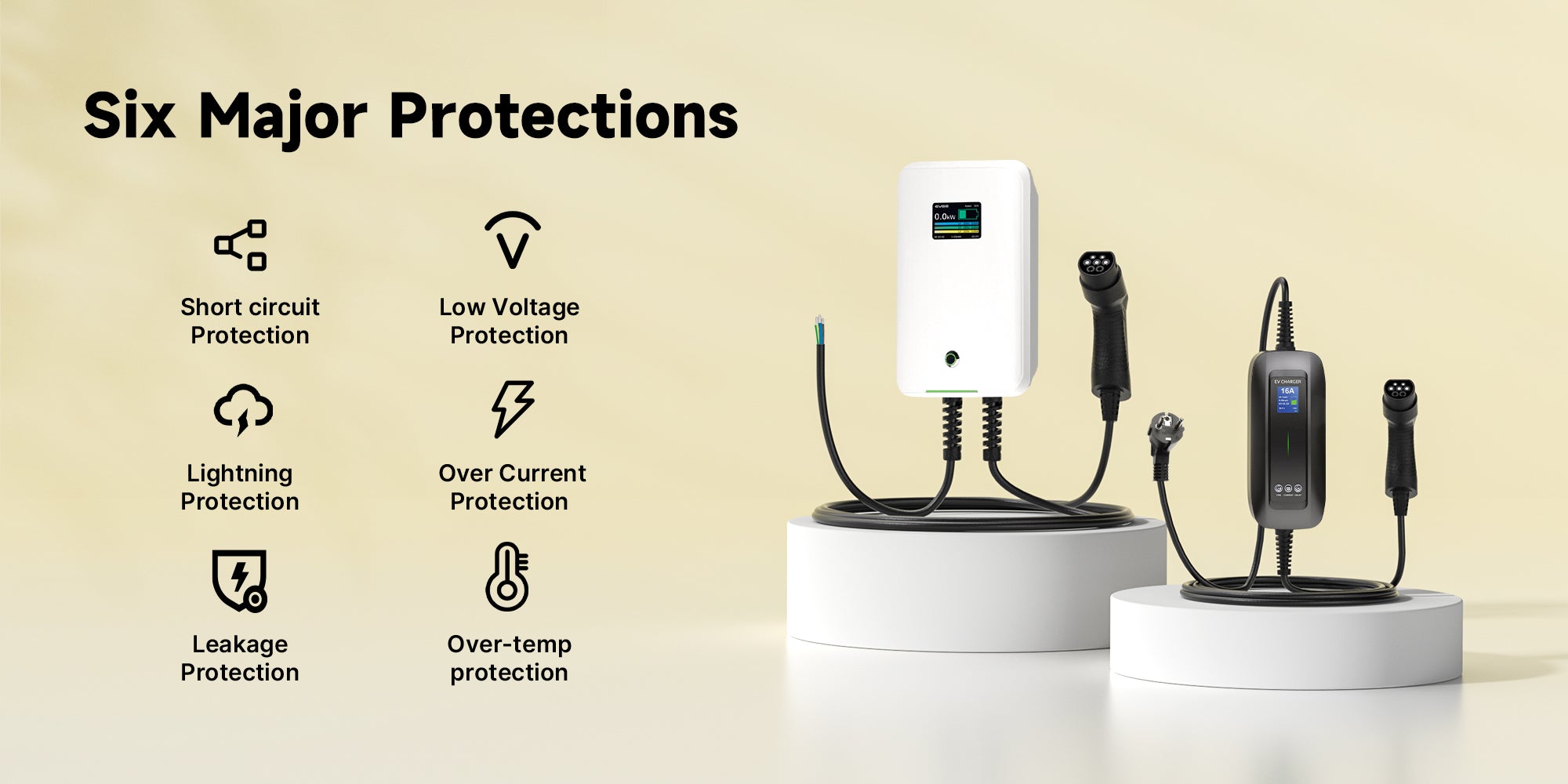
Esta estação de carregamento para veículos elétricos possui proteção contra sobrecorrente, sobretensão e subtensão, além de proteção contra fuga de corrente residual (RCD) tipo A + 6mA, proteção contra superaquecimento, classificação IP66 de impermeabilidade e outras medidas de segurança, garantindo o carregamento seguro do seu carro e evitando incêndios.
Garantia de 2 anos
Os produtos MOREC têm garantia de 2 anos. Se houver algum problema com o produto, entre em contato com nossa equipe de atendimento. Garantimos soluções satisfatórias.

1. Why the wallbox only charge my car at about 1.3KW?
Since it is the first time to use, for safety reasons, our charger will start charging at a minimum current of 6A by default. If the current is not adjusted, the charger power will be small and charging will be slow.
Please download the APP and connect it to Bluetooth first. Turn off the button start function of the charger through APP, then adjust the suitable current on the APP and click to start charging.
2. How to connect the wallbox correctly?
Before connecting the wallbox to the EV car, the wallbox's power must be set.
1) Turn off your smartphone's Bluetooth (if it is on)
2) Turn on your wallbox
3) Access the wallbox APP on your smartphone
4) Connect to your wallbox.
3. It stops charging after 10 minutes and can no longer connect it.
First please don't connect the wallbox to the car, turned it back on, waited for it to turn on.Then connect it via the APP. Check the charging settings to see if you do not have a scheduled charging time.
You can connect the EV car from the APP and start charging. After that, for some electric vehicles such as Renault, the ground must be intact, otherwise charging will not start.
The EV car may also have communication problems, the problem may come from the car. Try charging another electric car, then try charging with another EV charger.
App Connection Guide


APP Usage Guideline
- Each package includes a printed connection guide. You can refer to the guide to connect the app.
- Or you can click the following link to get guideline👉 www.morec-ev.com/pages/evsemaster-app
Three Modes
- APP Mode: Start Charging via APP of your phone
- APP&Button: Start charging via APP of your phone or the button of the charger
- Auto: Plug-and-charge
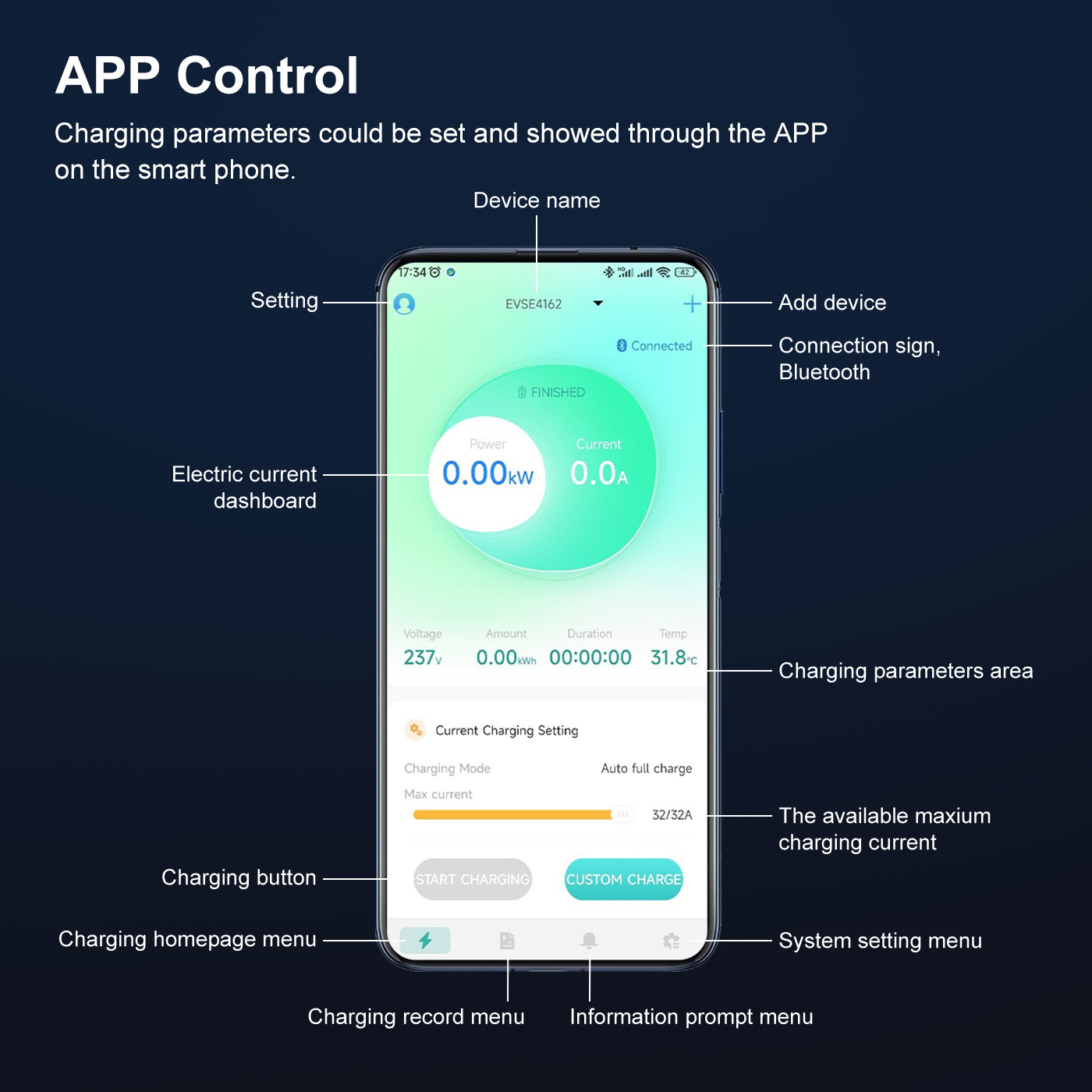
APP's Functions


Details
APP - EVSE Master
- Search "EVSEMaster" APP software on APP Store(iOS) or Google Play(Android);
- View your statistics in real-time, charge and monitor it remotely(8-10M);
- Prevent unauthorized access by setting the password;
- Adjust current from 6A to 32A: 6/7/8/9/10/11/12/...../32A;
- The language of APP can be switched to French, German, Italian, Spanish, or other languages. Just click the 'SETTING' in the upper left corner
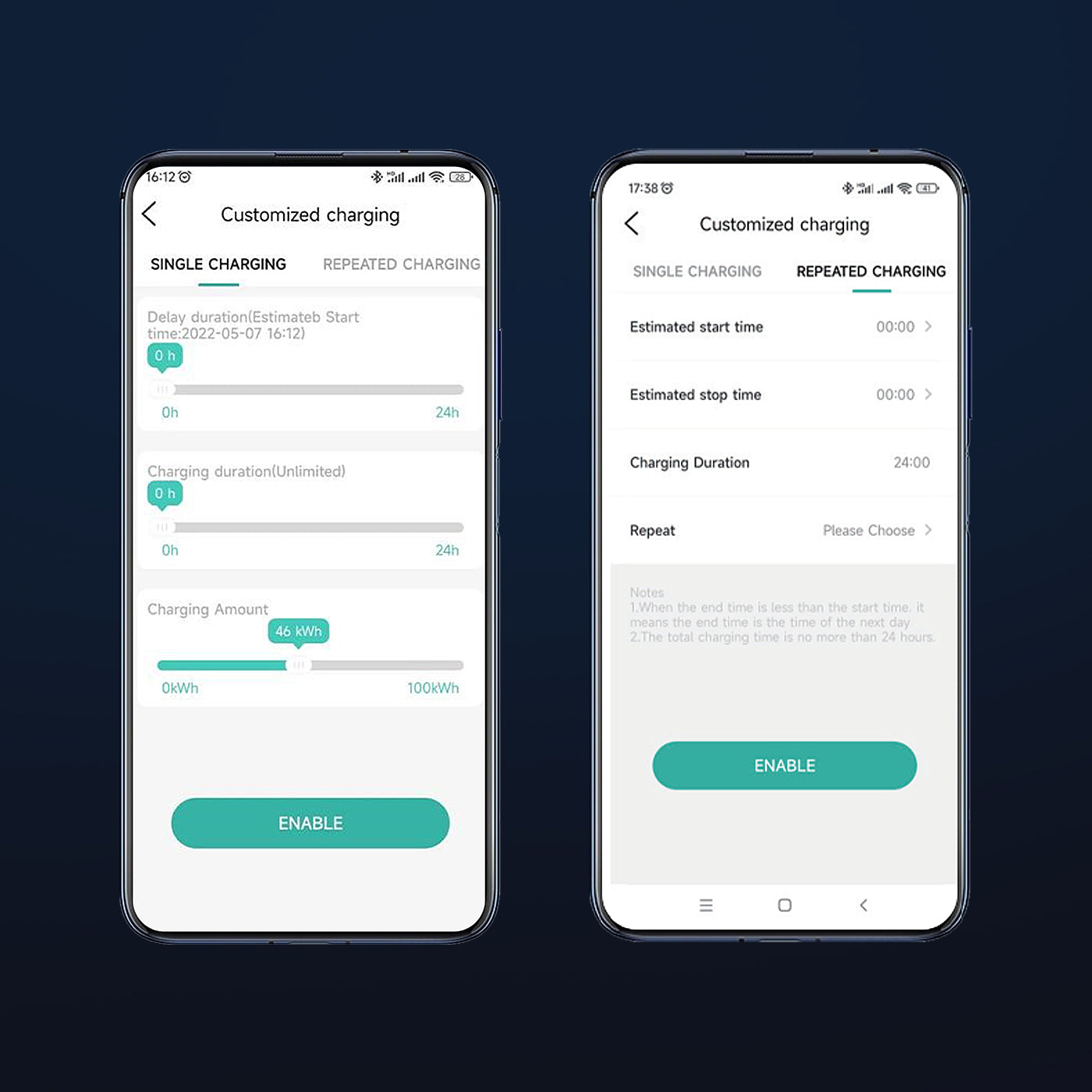
Charging Session Customization
- Allow users to pirticularly customize the appropriate charging parameters, charging time and charging amount.
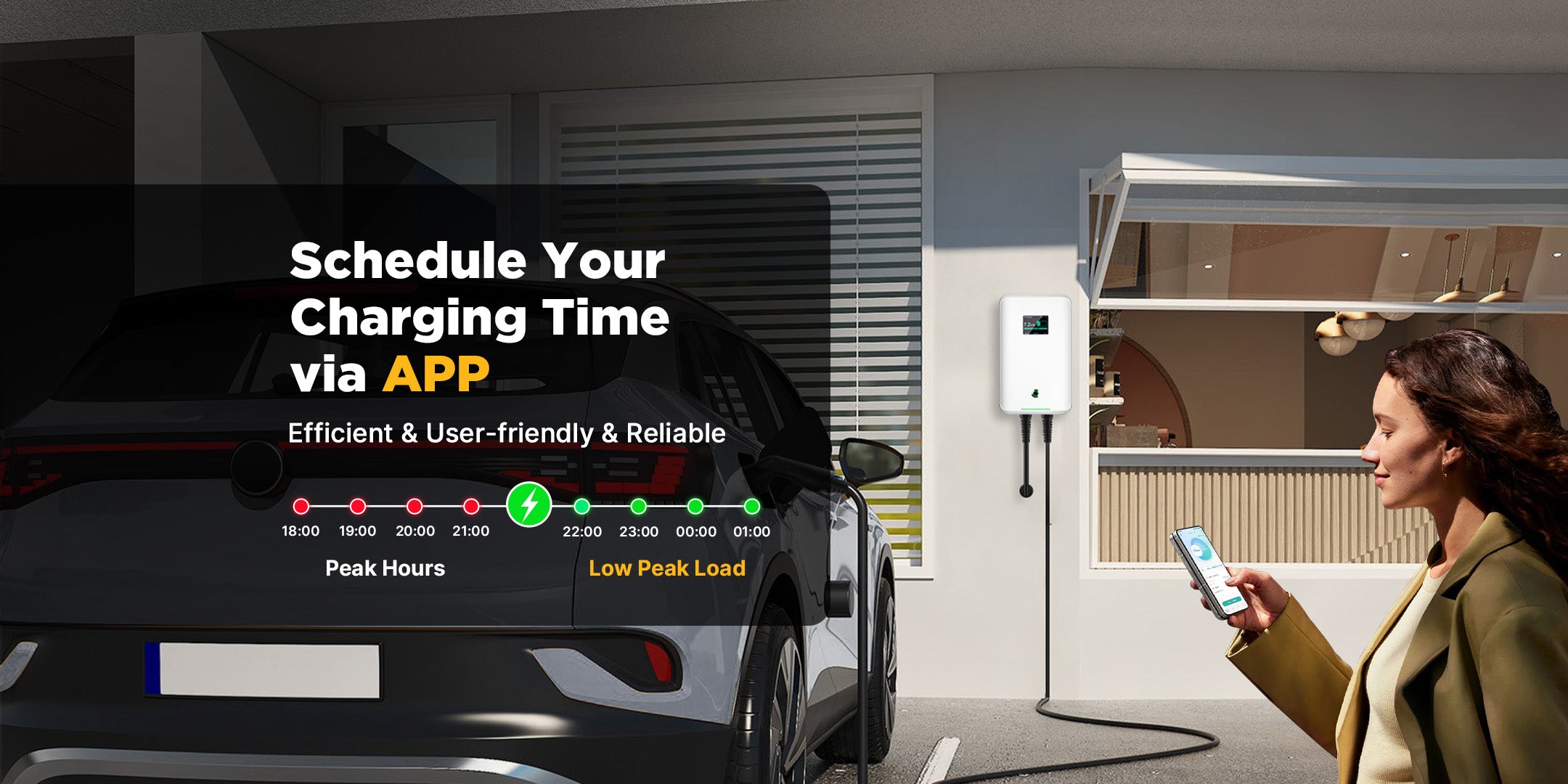
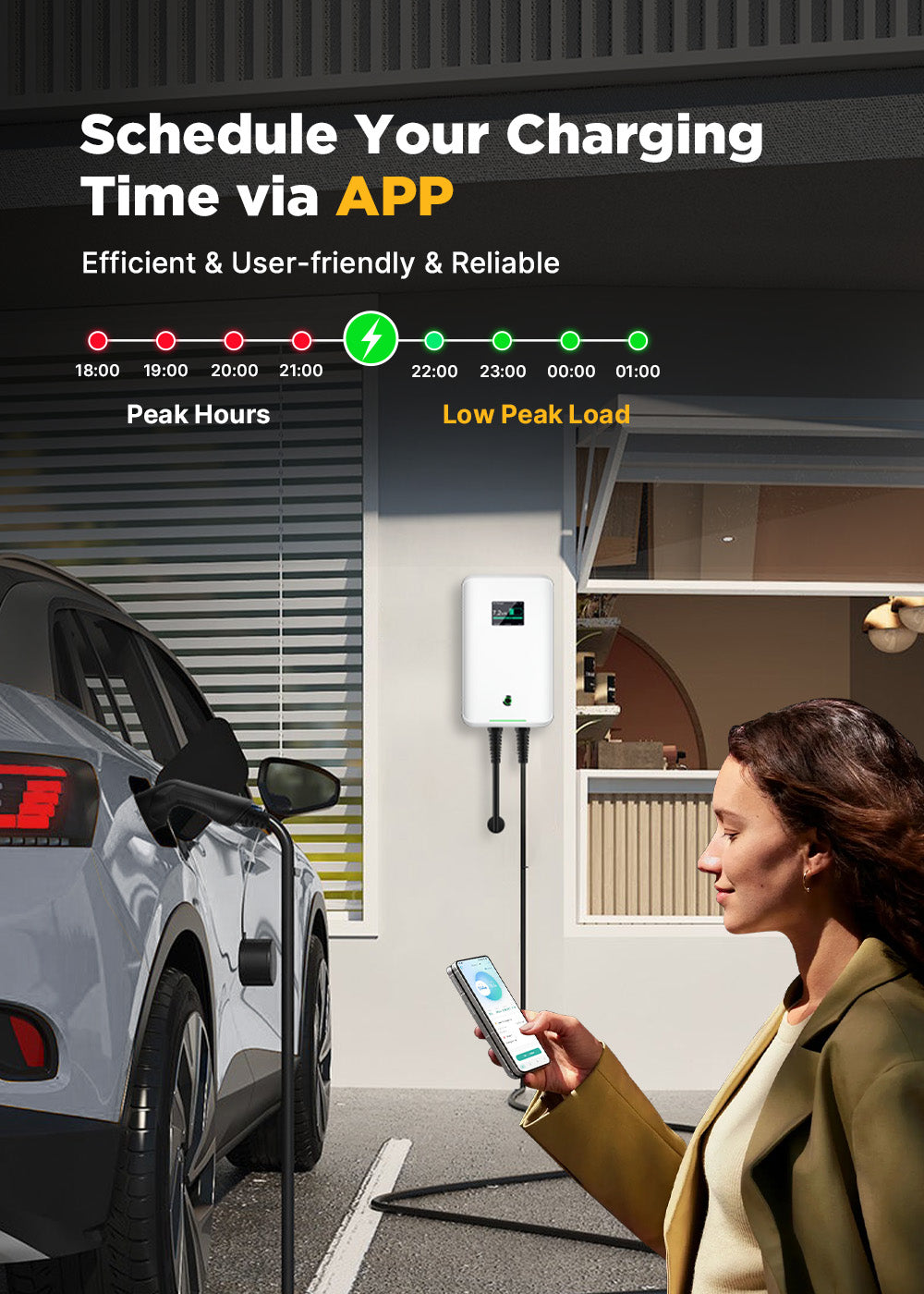
- Delay & Timing charging 24HOURS to avoid charging during peak hours
- Easy to avoid the peak periods, bringing uses electricity-saving charging experience and a more efficient charging solution.
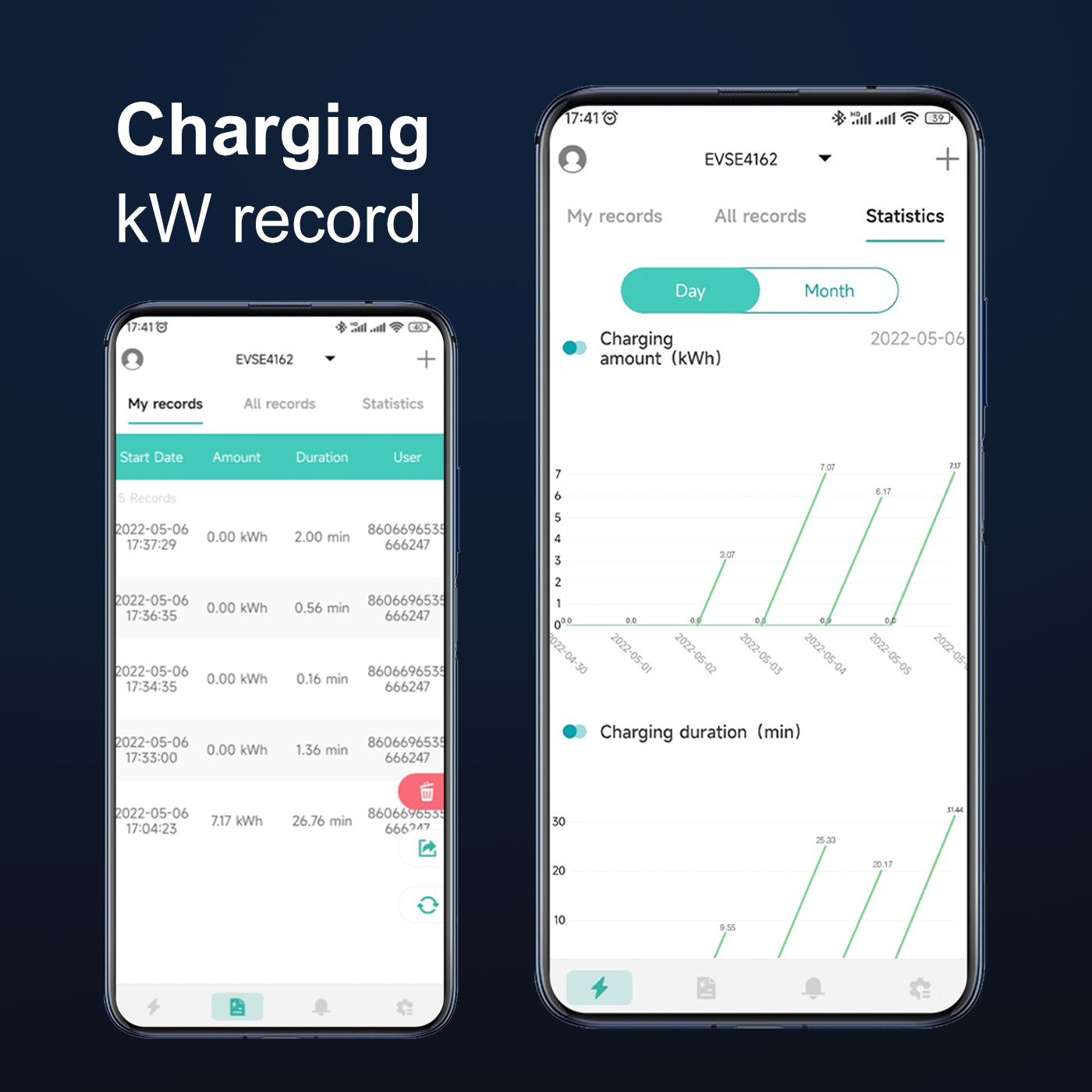
Charging Record
The charging records page has functions such as display, count, acquire, derive, and delet charging records.
Available for generating records into a file and deriving it to other software through sharing.
About MC20CAPP Charger
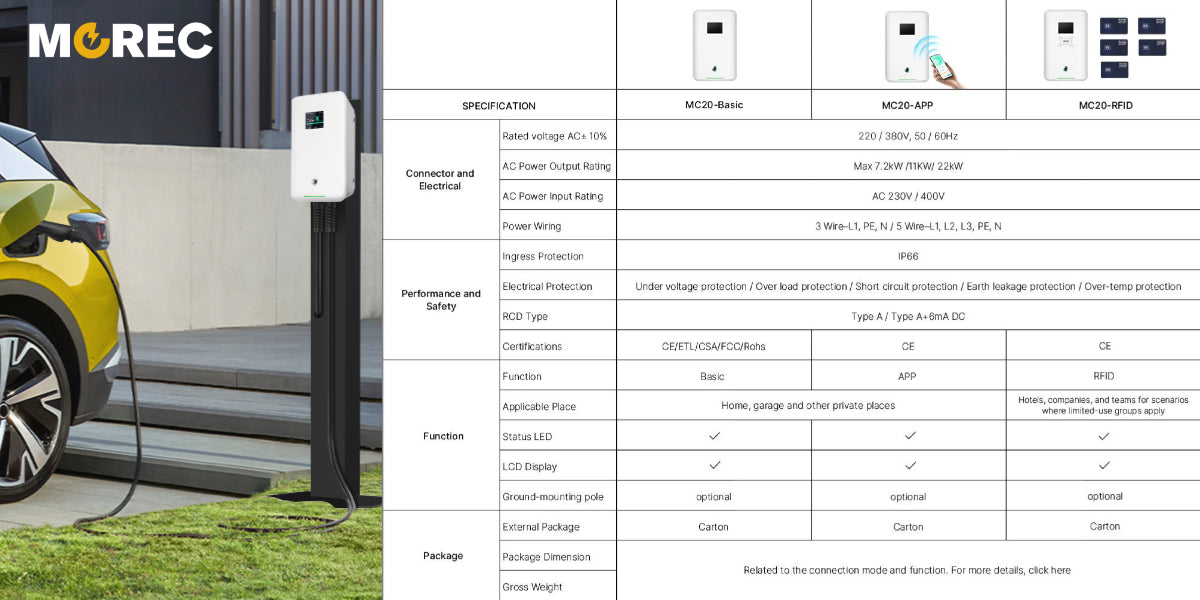
Parameters of MC20 Series
Flexiable & Versatile
Application Scenarios

Home Use
Provide fast, safe, and convenient charging options for your electric vehicle to ensure that it is fully charged and ready to use at all times.

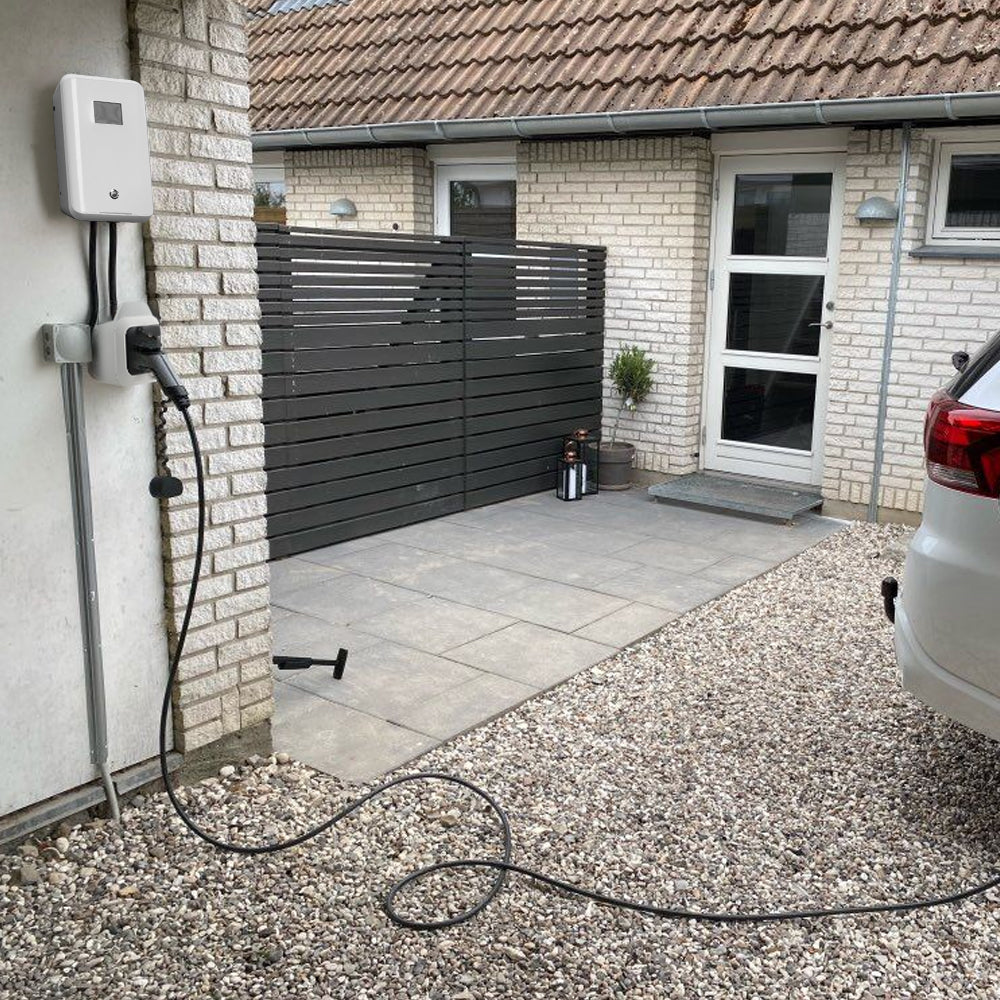
Outdoor Garage
Transform your garage into a personal charging station, charging your EV car on your own schedule to optimize charging times and energy costs.

Aparetment /Flat
MOREC EV chargers deliver efficient, user-friendly charging solutions, helping property meet resident demands and boost property appeal.

Workplacce
MOREC EV chargers in workplace enhance a company’s green image, and offer employee convenience, boosting productivity.

Hotel
MOREC EV chargrs in hotel offer seamless charging, boosting guest experience and attracting eco-travelers.

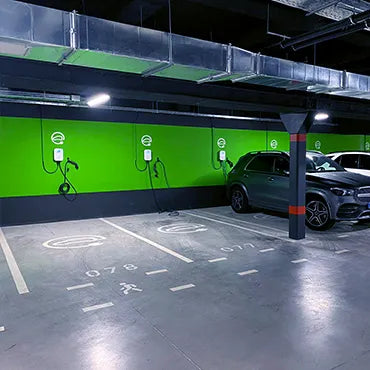
Packing Lot
MOREC parking lot EV chargers offer fast, reliable, convenient charging, helping parking operators attract more customers and increase profits.
efficient| safe| intelligent | user-friendly
MOREC EV Charger Features


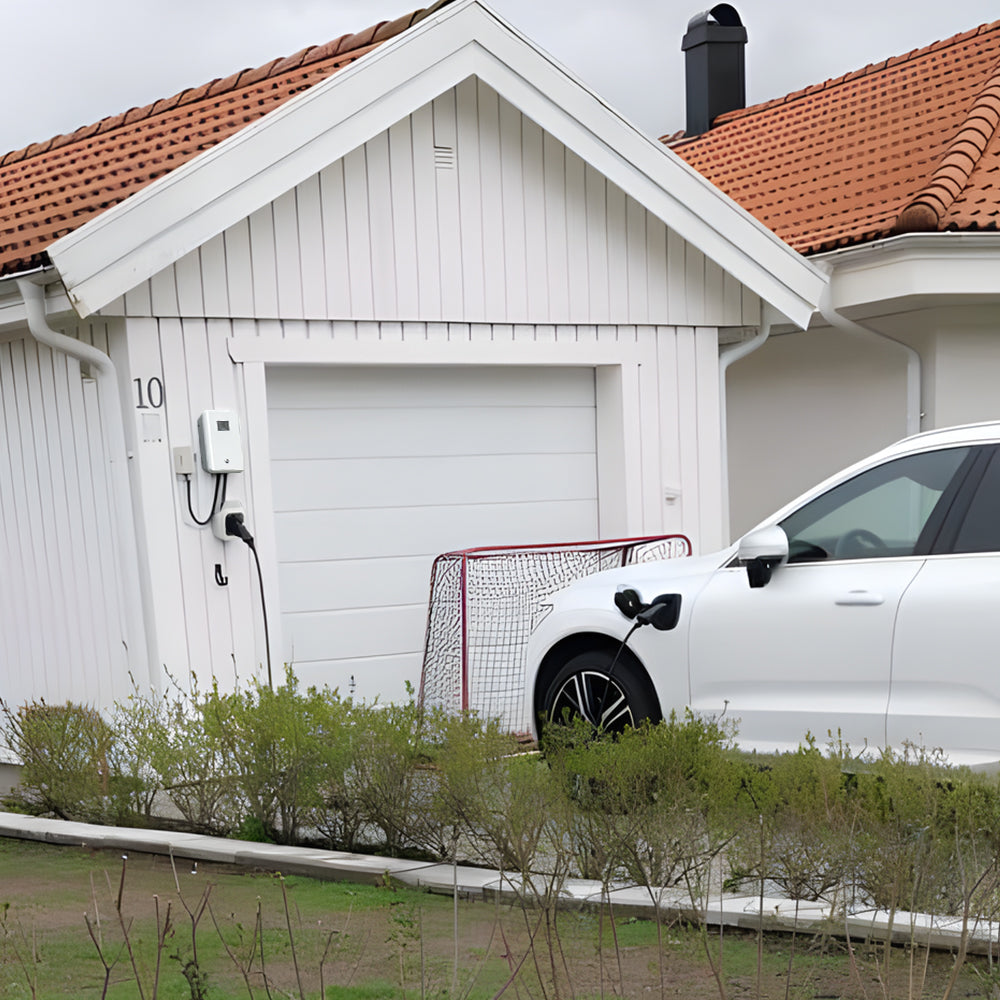
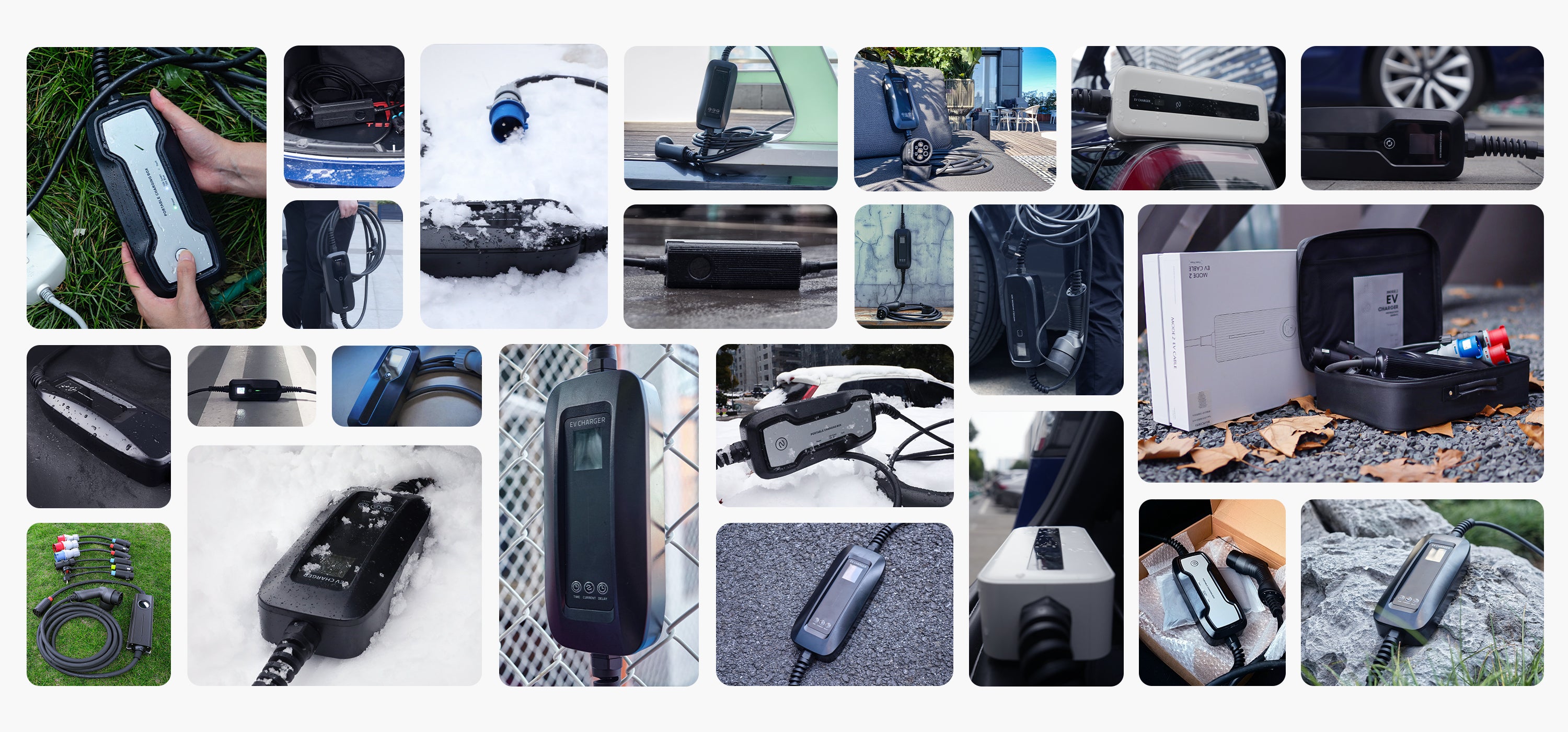
Real Display by MOREC's Customer
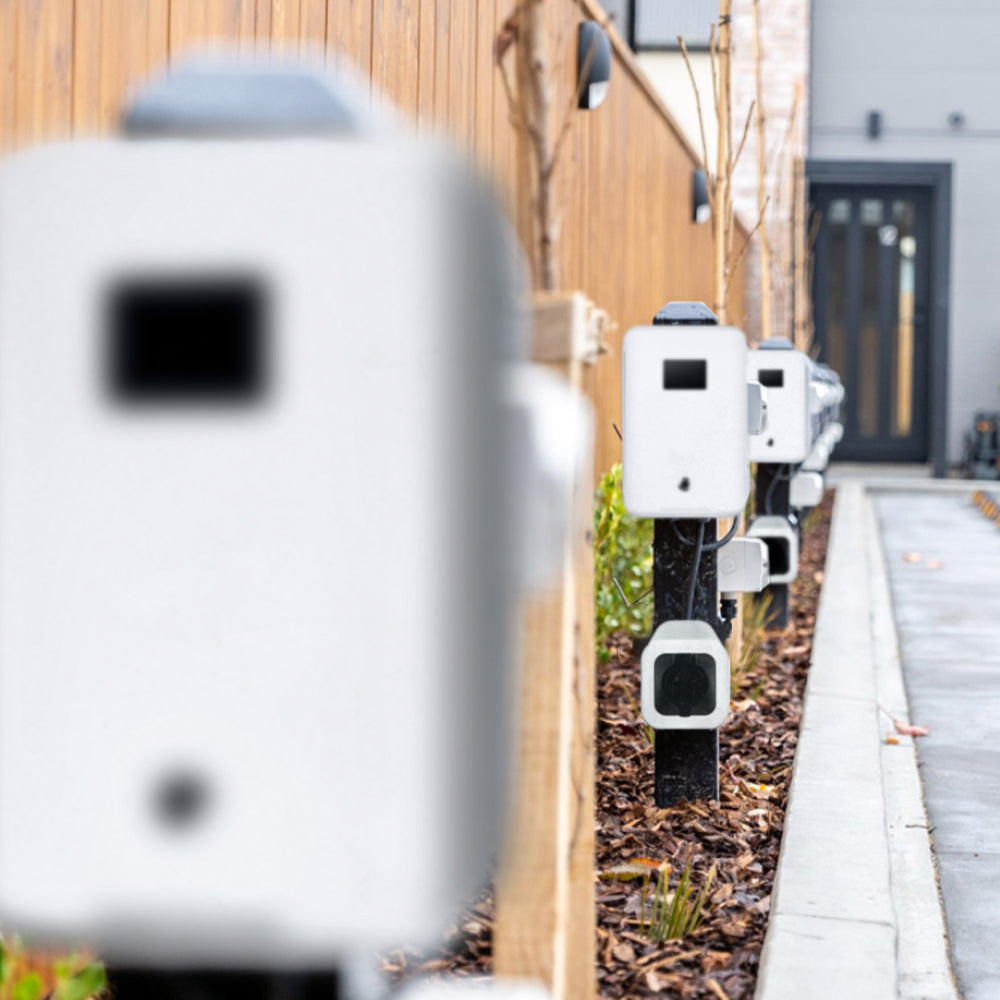
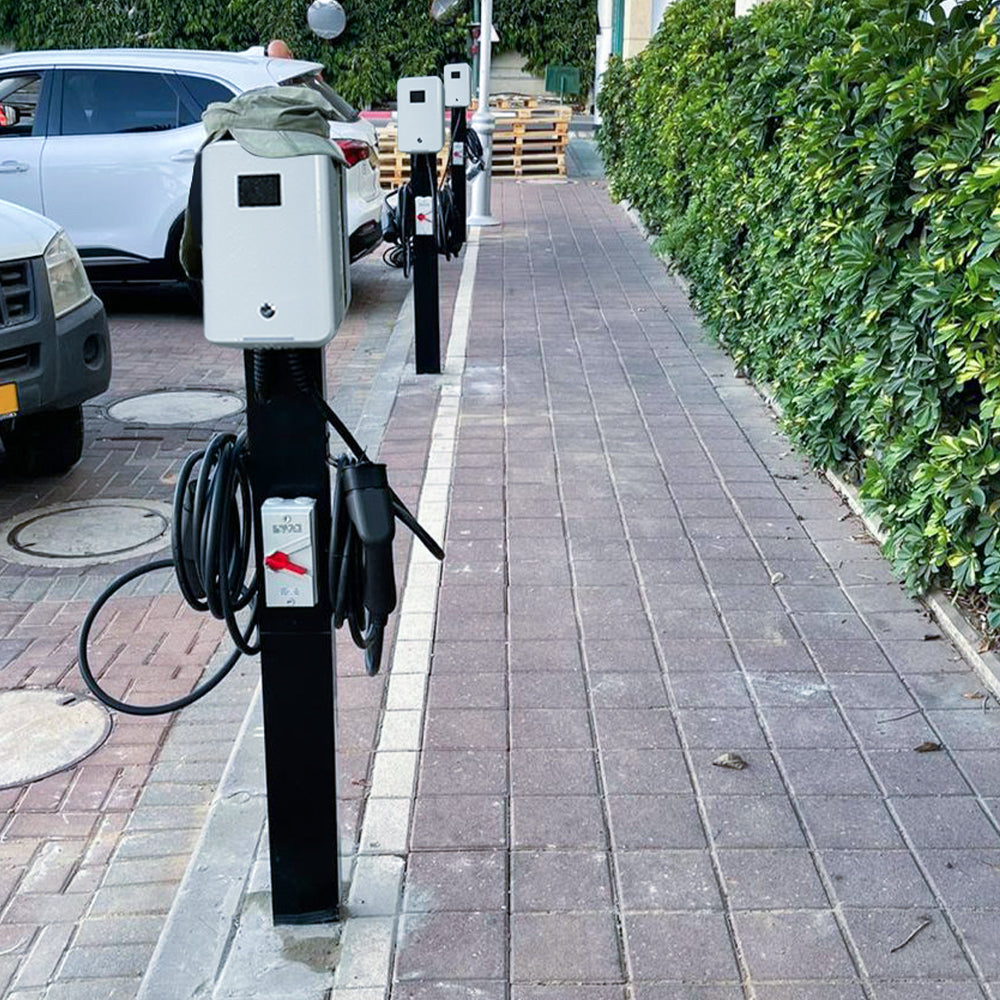
MOREC is widely praised by consumers and is committed to providing customers with superior quality electric vehicle chargers, allowing customers to enjoy safe and efficient charging at the same time, users bring the ultimate experience.